
Mobile practice management software
Your firm,
from any device
Your practice doesn’t stop when you leave your desk. With Tabs3 Connect, neither do you. Capture time, review matters, and check firm activity from your phone, tablet, or laptop.
Included with every cloud user license.
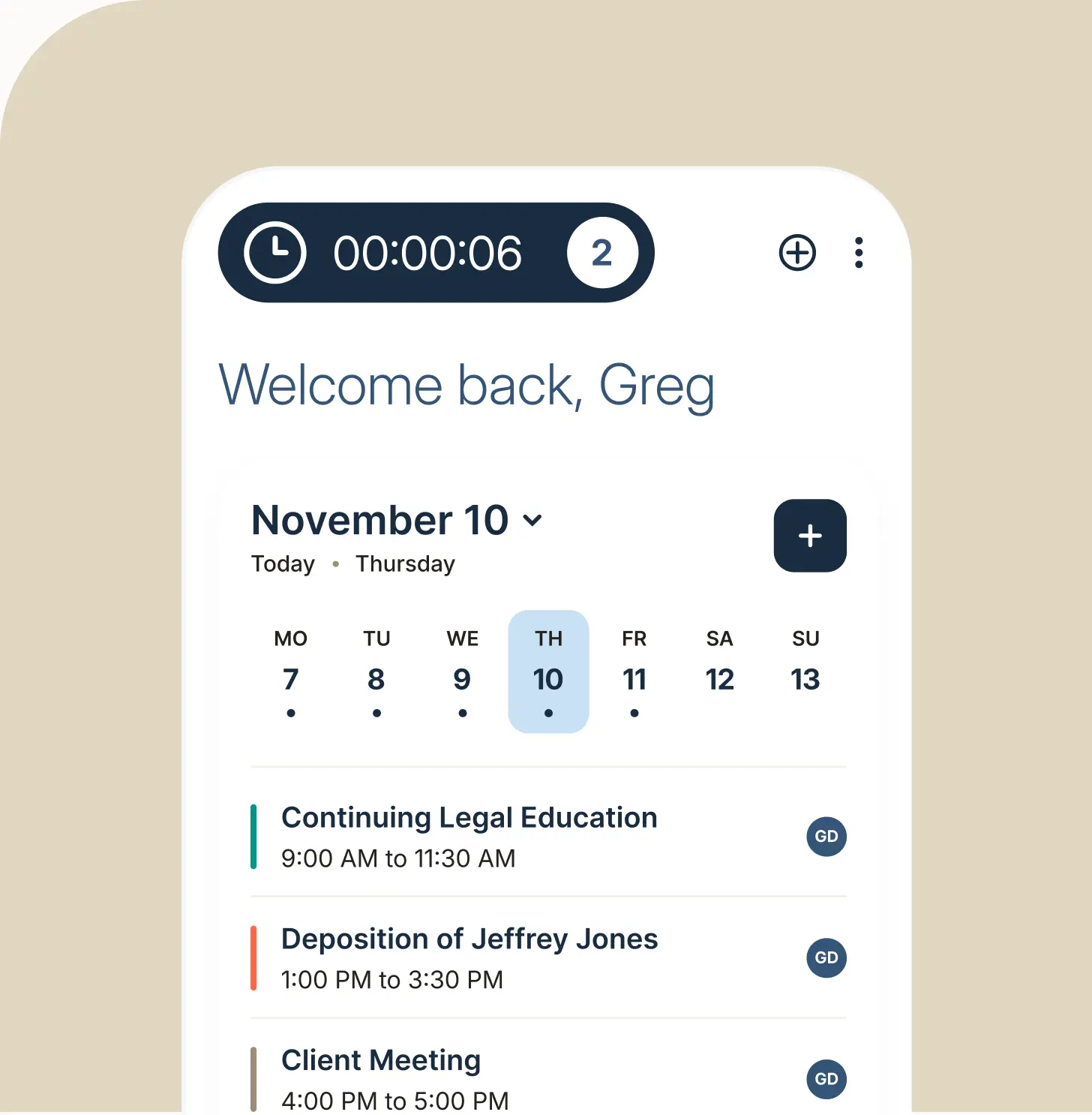
More than time entry
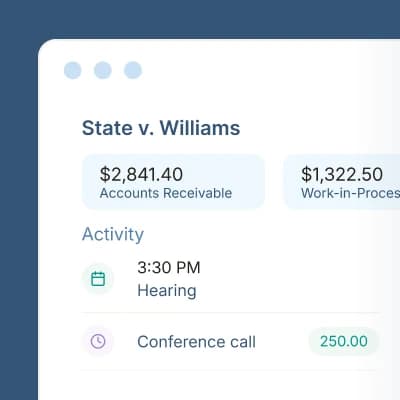

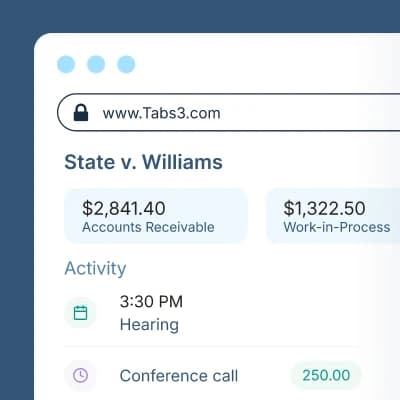
See the full picture of every matter.
- View A/R, work-in-process, trust balances, and client funds in one layout
- Access Fees, Costs, Contacts, Journal, Documents, and Calendar records
- Manage emails, documents, appointments, and research from any device
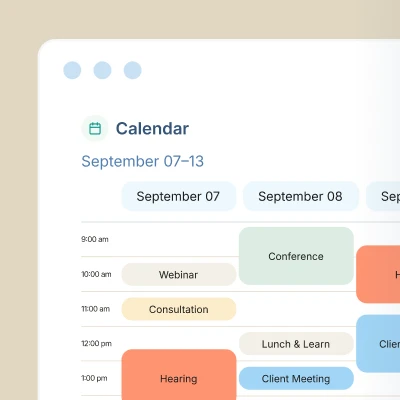

Keep your team in sync on every deadline.
- Appointments for everyone in the firm in one shared calendar
- Meetings and deadlines linked to specific matters
- Scheduling tied to the team members involved
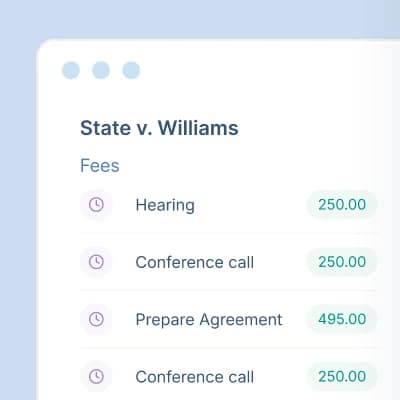

Every record, one sortable grid.
- Sort and filter any record type in a grid
- All fields and actions on a single page
- Sidebar navigation to every page
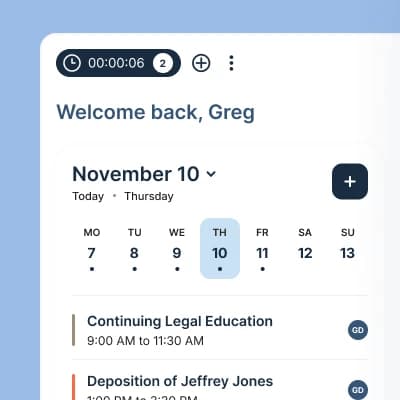

Your day, at a glance.
- Calendar: Today's events and holidays, with add, edit, and delete
- Worked Hours: Billable and non- billable hours by day, week, or month
- My Tasks: Overdue, due today, and upcoming tasks, with one-click convert to fee

Secure access, without the setup.
- Data stored in the cloud
- SSL encryption on all communication between devices and the office
- No added hardware, VPN, or remote desktop to set up
See the full picture of every matter.
- View A/R, work-in-process, trust balances, and client funds in one layout
- Access Fees, Costs, Contacts, Journal, Documents, and Calendar records
- Manage emails, documents, appointments, and research from any device
Keep your team in sync on every deadline.
- Appointments for everyone in the firm in one shared calendar
- Meetings and deadlines linked to specific matters
- Scheduling tied to the team members involved
Every record, one sortable grid.
- Sort and filter any record type in a grid
- All fields and actions on a single page
- Sidebar navigation to every page
Your day, at a glance.
- Calendar: Today's events and holidays, with add, edit, and delete
- Worked Hours: Billable and non- billable hours by day, week, or month
- My Tasks: Overdue, due today, and upcoming tasks, with one-click convert to fee
Secure access, without the setup.
- Data stored in the cloud
- SSL encryption on all communication between devices and the office
- No added hardware, VPN, or remote desktop to set up
Ready to get started?
Time entry on the go
Log fees and costs from anywhere
Don't wait until you're back at your desk to enter time. Record billable work between the courthouse and the office.
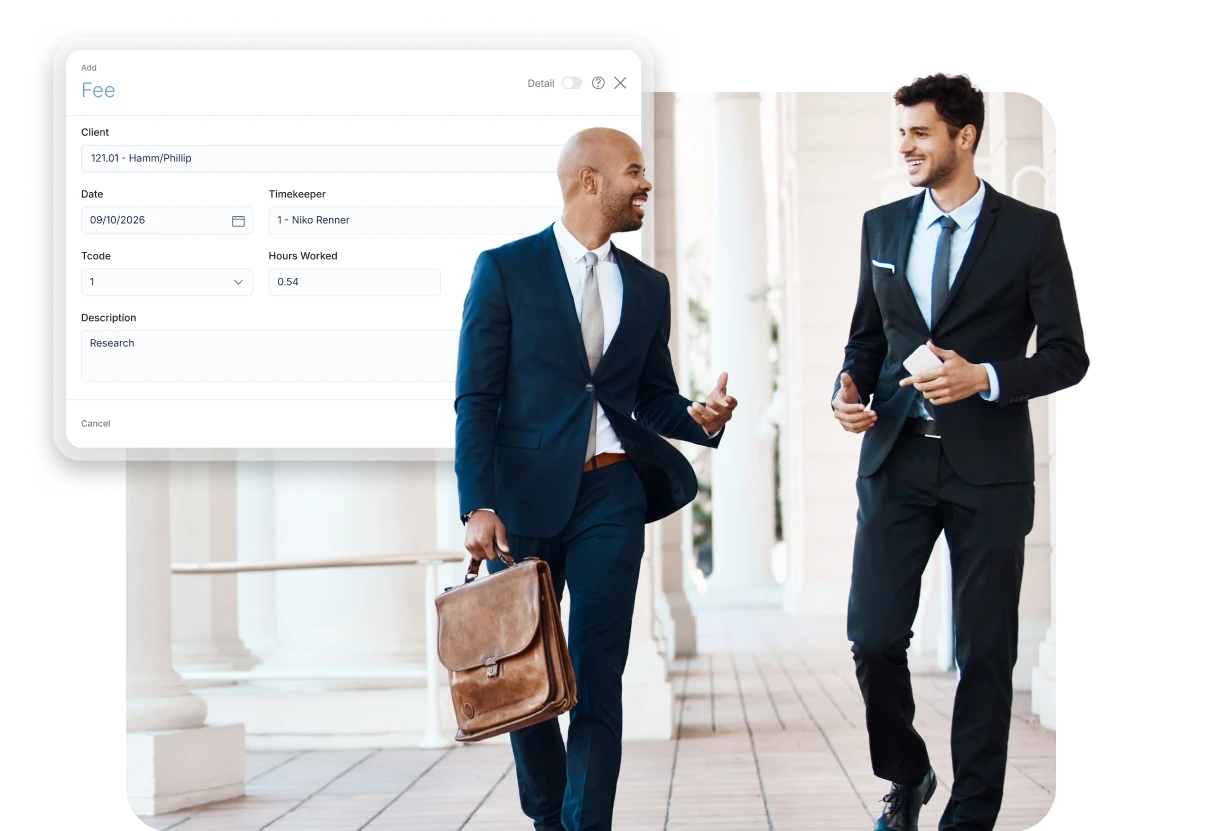

Quick Entry
Add fees and costs from anywhere with a redesigned entry window.

Save and New
Enter one fee or cost after another without starting over.

Detail Toggle
Show or hide advanced fields as you need them.
Included with Tabs3 Cloud Subscription
See how your firm can capture more time from anywhere.
Frequently asked questions
Connect is the mobile and browser-based extension of our time and billing and practice management features. It gives attorneys and staff secure access to their practice from a smartphone, tablet, or laptop.
Yes. Connect is included with every Cloud user license.
Enter fees and costs, review matters and bills, view case details (emails, documents, fees, appointments, costs, and research), get Matter Manager summaries, and check a firm-wide calendar.
Yes. Everything syncs in real time with your office system.
Data stays stored in the cloud, and SSL encryption protects all communication between your devices and the office.
No. Tabs3 Connect gives your team anywhere access without added hardware, VPN, or remote desktop setup.
A new interface with sidebar navigation, List Views, Quick Entry, a redesigned Matter Manager, and the AI Filter Assistant.